
If you work as a programmer, contractor, or freelancer, you’ve almost certainly had to send a password, API key, database credential, or client login to someone else. Slack messages, emails, and text threads feel convenient, but they’re some of the worst places to put sensitive credentials. They sit in plaintext in inboxes and chat logs indefinitely, get indexed by search, get forwarded, and get breached along with everything else in that account.
This article covers what “out-of-band” credential sharing actually means, why it matters for anyone handling client access or system secrets, and how one-time password links solve the problem without adding friction to your workflow.
Why Email and Chat Are the Wrong Channel for Passwords
Email and chat apps were built for conversation, not secret storage. Once you paste a password into a message:
- It stays there permanently, searchable, until someone manually deletes it (and deletes it from backups, too).
- Anyone with access to that inbox or channel later — a new hire, an IT admin, an attacker who compromises the account — can find it.
- It often gets forwarded or copied into other tools (ticketing systems, project docs) without you knowing.
- If the client or contractor’s account is ever breached, every credential you’ve ever sent them is exposed retroactively.
For contractors especially, this is a bigger issue than it looks. You’re frequently exchanging access with people whose security practices you don’t control — a client’s ops manager, a subcontractor, a new team member. A password sitting in their inbox is now your liability too.
What “Out-of-Band” Actually Means
Out-of-band communication means sending sensitive information through a separate channel from the one you normally use to communicate, so that a compromise of one channel doesn’t automatically expose the other.
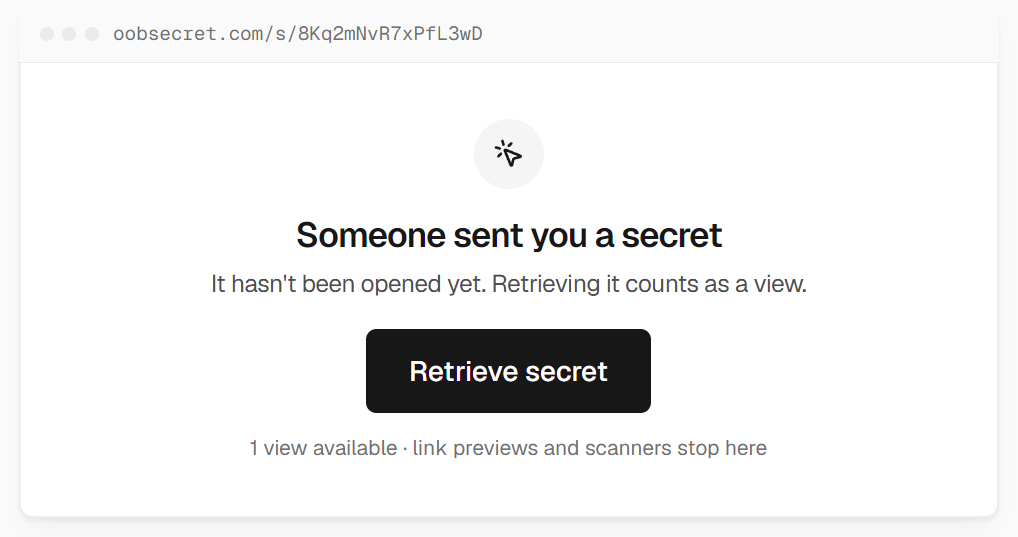
A simple example: you and a client discuss a project over email, but instead of typing the database password into that same email thread, you send a link to a page that displays the password once. The password itself never touches your email account or your client’s inbox — only a link does, and the link becomes useless after it’s viewed.
This is the same principle behind sending a verification code via SMS instead of email, or confirming a wire transfer by phone instead of message. Separate channel, smaller blast radius.
What Is a One-Time Password Link?
A one-time password link (sometimes called a self-destructing link or a “burn after reading” link) is a URL that displays a piece of secret text — a password, API key, or note — exactly once, or for a limited number of views, before it’s permanently deleted from the server.
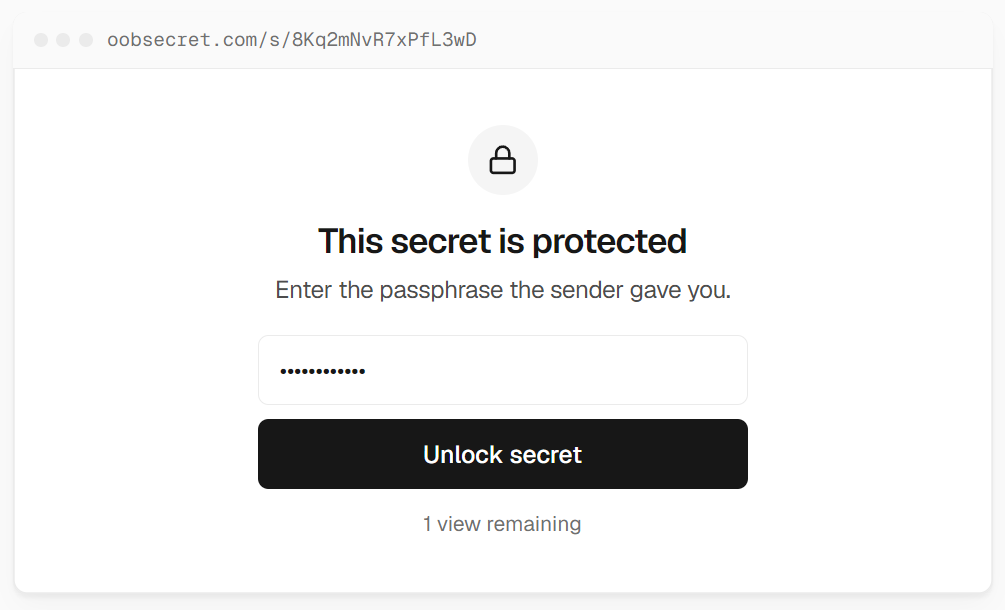
Typical features include:
- The secret is only shown one time (or a small number of times you set), then it’s gone for good, even if someone gets the link later.
- Expiry after a set number of hours or days if it’s never opened.
- Optional passphrase protection, so the link alone isn’t enough to view the secret.
- No account or sign-up required for either side.
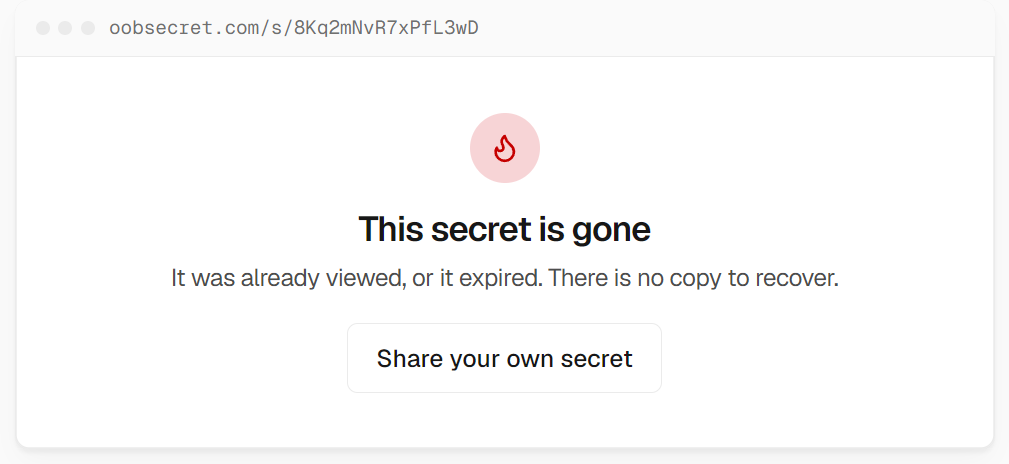
Because the secret is deleted after viewing, there’s no lingering copy sitting in a database, an email thread, or a chat log for someone to stumble on months later. If the link is intercepted before the intended recipient opens it, you’ll usually know, because it’ll already show as viewed.
How This Fits Into a Contractor’s Workflow
For programmers and contractors, one-time links are useful anywhere you’d normally be tempted to paste a secret into a message:
- Handing over server, database, or admin credentials to a client at project handoff
- Sending API keys or webhook secrets to a subcontractor or teammate
- Sharing a temporary password for a staging environment
- Passing along a client’s own credentials that they emailed you in plaintext (rather than perpetuating the problem)
The workflow is simple: paste the secret into the tool, set an expiry and view limit, and send only the link over your normal channel (email, Slack, whatever). The recipient opens it, sees the secret once, and it’s gone.
A Free Tool for This: oobsecret.com
If you want to start doing this without setting anything up yourself, oobsecret.com is a free, no-account tool for generating self-destructing secret links. Paste in a password or note, set how many times it can be viewed and how long the link stays alive, and share the link instead of the secret itself. It’s built specifically with this out-of-band use case in mind — quick to use for a one-off credential handoff, with no sign-up required on either end.
Takeaway
Passwords and secrets don’t belong in the same channel as your regular conversation. Using a one-time link to hand off credentials is a small habit change that removes a real, recurring security risk — and it costs you nothing but a few extra seconds per handoff. If you’re regularly sending credentials to clients or teammates, it’s worth making this the default rather than the exception.